How to place orders in MT4 and MT5: market, limit and stop orders, and where to set a stop loss and take profit
The steps to place an order in MT4 and MT5: market vs limit and stop orders, entering a stop loss and take profit, and choosing the lot size.
Published ・ MyBrokerBonus Editorial
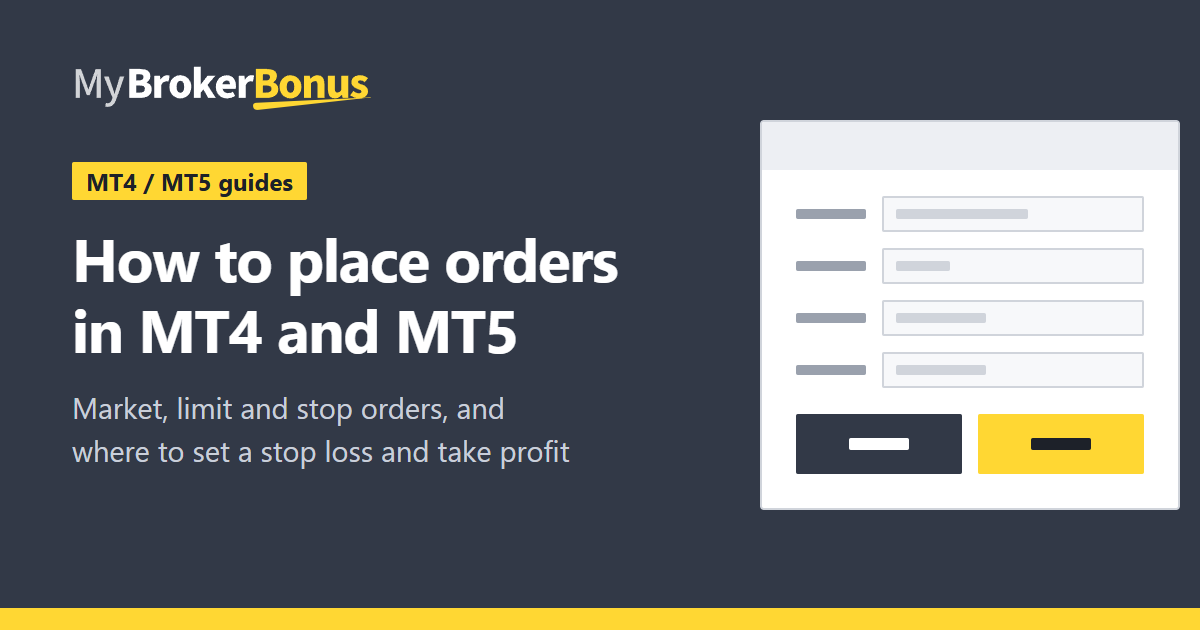
Once you can log in to MT4 or MT5, the next step is placing an order. There is the “market” order, which buys or sells at the current price now, and the “limit” and “stop” orders, which wait for a price you set. This guide goes through the items in the order window and where to put a stop loss and a take profit.
The wording and layout on screen can differ a little by version and broker. The figures are sketches that show where things are, not the real screen. If you have not logged in yet, read install MT4 and MT5 and log in first.
Open the order window
Press “New Order” at the top of the screen, or double-click a symbol in the market watch, and the order window opens.
- 1SymbolThe pair or instrument you trade.
- 2VolumeThe size of the trade, in lots.
- 3Stop lossA price at which the position closes if it goes against you. Optional.
- 4Take profitA price at which the position closes with a gain. Optional.
- 5TypeMarket execution (now) or a pending order (at a price you set).
- 6Sell / BuyIn market execution, the order is sent the moment you press one.
In the window, check these items first.
- Is the symbol the right one?
- Is the volume the amount you meant? 0.01, 0.1 and 1 differ by ten times each.
- Will you enter a stop loss and a take profit?
- Is the type a market order or a pending order?
Then press “Sell” or “Buy”. For a market order, the order is sent the moment you press. Look at the volume once more before you do.
Caution
On some screens the button places the order at once, with no confirmation window. Practise on a demo account while you are new to it. A wrong digit in the volume makes a trade of a size you did not intend.
Market orders
A market order buys or sells at once at the price on screen. Use it when you want the trade to happen for sure. If the price moves before the order arrives, the price you get can differ a little from what you saw.
Pending orders: limit and stop
An order that starts the trade when the price reaches a level you set is called a pending order. In the order window, change the type to a pending order and enter the price.
Limit and stop orders differ by whether you buy below the current price or above it. MT4 and MT5 have these four kinds.
- Buy LimitBuys when the price falls to your level, at a cheaper price than now.
- Buy StopBuys when the price rises to your level, following a move up.
- Sell LimitSells when the price rises to your level, at a dearer price than now.
- Sell StopSells when the price falls to your level, following a move down.
A limit order waits for a better price. A stop order rides the direction of the move. MT5 also has Buy Stop Limit and Sell Stop Limit, but the four above are enough to start with.
Some pending orders let you set an expiry. When it passes, the order is removed.
Stop loss and take profit
A stop loss (SL) is the price at which the position closes if the price moves against you, so that the loss does not grow further. A take profit (TP) is the price at which the position closes once it is in profit. You enter both as prices in the order window.
The price touching either line closes the position. The levels here are made up.
For a buy, put the stop loss below the entry price and the take profit above it. For a sell, the sides are reversed. If you put one on the wrong side, the order is rejected.
Even with a stop loss, a sudden move can close the position at a price worse than the one you set. A stop loss does not put a firm cap on the loss.
Choosing the lot size
- Decide how much you are willing to lose on one trade.
- Count the pips to your stop loss.
- Pick the number of lots that keeps the loss within that amount.
Our position size calculator does this calculation, and the profit and loss calculator estimates the result. What lots and pips mean is explained in lots, pips and currency units.
What to read next
With bonus credit in the account, the numbers on screen look different. See how bonus credit looks in MT4 and MT5. You can work out the margin you need in leverage and margin explained. The bonuses running now are collected in the bonus list.
Risks to keep in mind
Placing an order can lose money quickly, and a bonus does not change that. A stop loss does not always hold the loss down. This guide explains the operations and does not promise any profit. Trade small lots, and only with money you can afford to lose.